
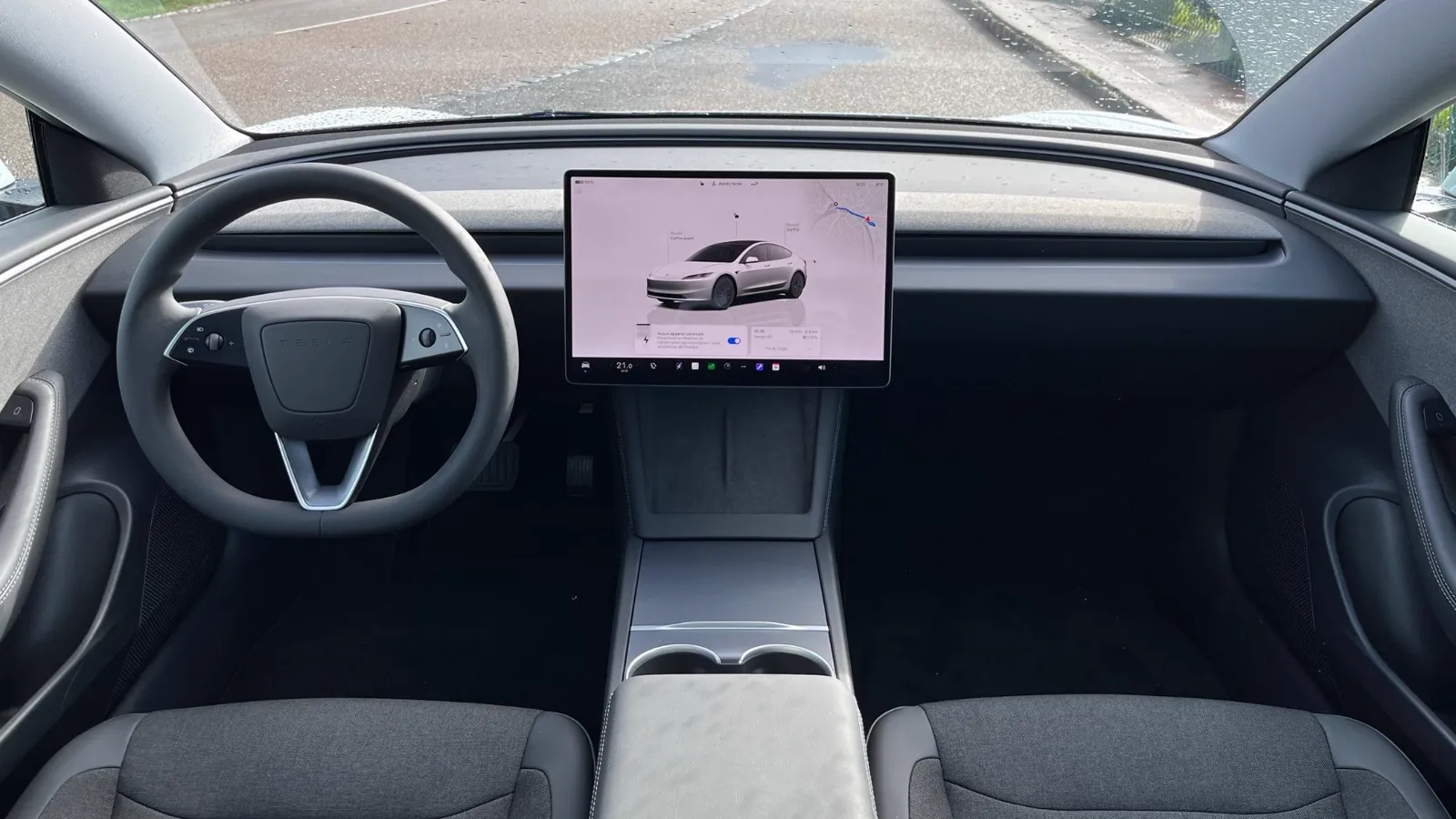
Your media dashboard
for the Tesla screen.
YouTube, live TV, M3U/Xtream playlists, Twitch and Kick — playing full-screen on your Tesla in the browser. No app.
Start free trialFor passenger entertainment only. The driver is always responsible for watching the road and following local traffic laws.
Tesla's own apps only play in Park.
Tesla Theater, the YouTube app, Netflix, Disney+ — all of them cut off the moment you shift out of Park. That's a Tesla policy, baked into the firmware.
S3XYCast doesn't run inside a Tesla app. It runs in the web browser, where a passenger mode can keep video playing when the car is in motion — for passengers.
What plays in the passenger player
YouTube
Full library, playlists, subscriptions.
Live TV
Free channels from dozens of countries.
M3U / Xtream
Bring your own playlist — VOD movies, series, live channels.
Twitch
Live streams from your favourite creators.
Kick
Kick channels natively supported.
Radio
Thousands of stations worldwide.
Under a minute
How to set it up
- 1
Open the Tesla browser
Model 3, Y, S, X or Cybertruck. Any MCU version.
- 2
Sign in on S3XYCast
No app, no APK, no cable. Pure web.
- 3
Activate Passenger Mode
Toggle the mode in the player. Video keeps running in motion.
A quick word on safety
S3XYCast is designed for passenger entertainment. Local laws about driver distraction still apply and Autopilot does not remove the driver's responsibility to watch the road. Use responsibly — we recommend testing the Tesla browser on a safe route before you buy, to check that the experience works for your car and region.
Frequently asked
Can you watch videos on the Tesla screen while the car is moving?
Tesla's built-in apps (Theater, YouTube, Netflix) only play video when the car is in Park. S3XYCast is a web app made for Tesla's browser with a Drive Mode designed to keep video playing while the car is in motion — for passenger entertainment. The driver is always responsible for road safety and local traffic laws.
Does it work with Autopilot on?
S3XYCast works whether Autopilot is engaged or not — it runs in the Tesla browser, independent of driving assistance features. Autopilot does not exempt the driver from watching the road; keep the video for passengers.
Is it legal to watch video while the vehicle is moving?
Laws vary by country and state. In most places, watching video that could distract the driver is restricted or forbidden while the vehicle is moving — but the passenger experience (rear seat entertainment, front passenger watching) is generally allowed. Check your local rules; S3XYCast provides the capability, you decide how to use it responsibly.
Ready for passenger entertainment?
24h trial with a payment card, then billed unless cancelled before it ends. Contact support to try without a card.
Start now