
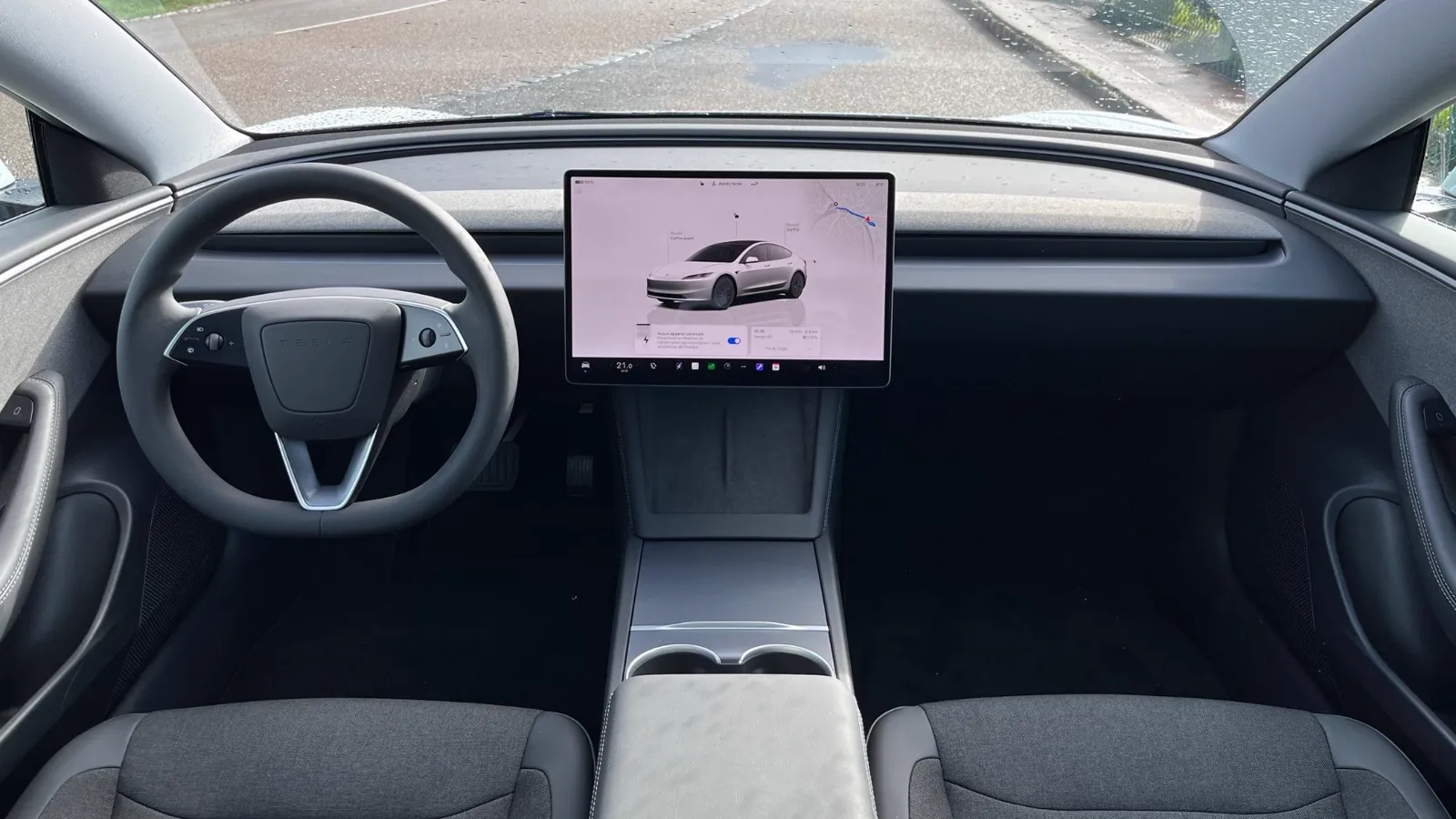
Watch YouTube on your Tesla —
full screen, on the move.
Open the Tesla browser, go to S3XYCast, hit play. No app, no jailbreak, works on every Model.
Start free trial24h trial with a payment card, then billed unless cancelled before it ends. Contact support to try without a card.
Setup in 60 seconds
How to watch YouTube in your Tesla
- 1
Open the Tesla browser
Tap the browser icon on your Model 3, Y, S, X or Cybertruck.
- 2
Go to s3xycast.com
Sign in with your account. No download, nothing to install.
- 3
Pick a video, hit play
YouTube fills the screen. Activate Passenger Mode for in-motion viewing.
Built for the Tesla screen
Not a hack, not a workaround. S3XYCast is designed from day one for Tesla's browser and hardware.
- Full-screen 1080p playback on the central display
- Passenger Mode keeps video playing when the car is in motion
- Works on Intel and AMD Ryzen MCUs — dedicated tuning for older cars
- Voice-friendly search, playlists, and history sync
- No app, no APK, no cable, no root — pure browser
- Twitch, Kick, live TV, M3U/Xtream streams and thousands of radios included
Frequently asked
How can I watch YouTube on my Tesla?
Open the Tesla browser, go to s3xycast.com, sign in and pick a video. YouTube plays in full screen on the central display — no app install, nothing to jailbreak.
Does it work on Model 3, Model Y, Model S and Model X?
Yes. S3XYCast runs on every Tesla with the built-in browser: Model S, 3, X, Y and Cybertruck.
Can I watch YouTube while the car is moving?
S3XYCast has a Passenger Mode designed to keep video playing while the vehicle is in motion. Activate it in the player once your Tesla is set up. Local laws about driver distraction still apply — the driver is responsible for road safety.
YouTube on your Tesla, in one click.
24h trial with a payment card, then billed unless cancelled before it ends. Contact support to try without a card.
Start now